
The Undo Button: How Puzzle Games Design Second Chances Without Removing the Challenge
A Small Button With a Big Job
An undo button does not solve a puzzle for you. It removes the cost of repeating work you already understand, allowing you to focus on the decision that actually matters. Well-designed second chances preserve consequences, reveal cause and effect, and encourage experimentation without turning a difficult puzzle into an automatic victory.
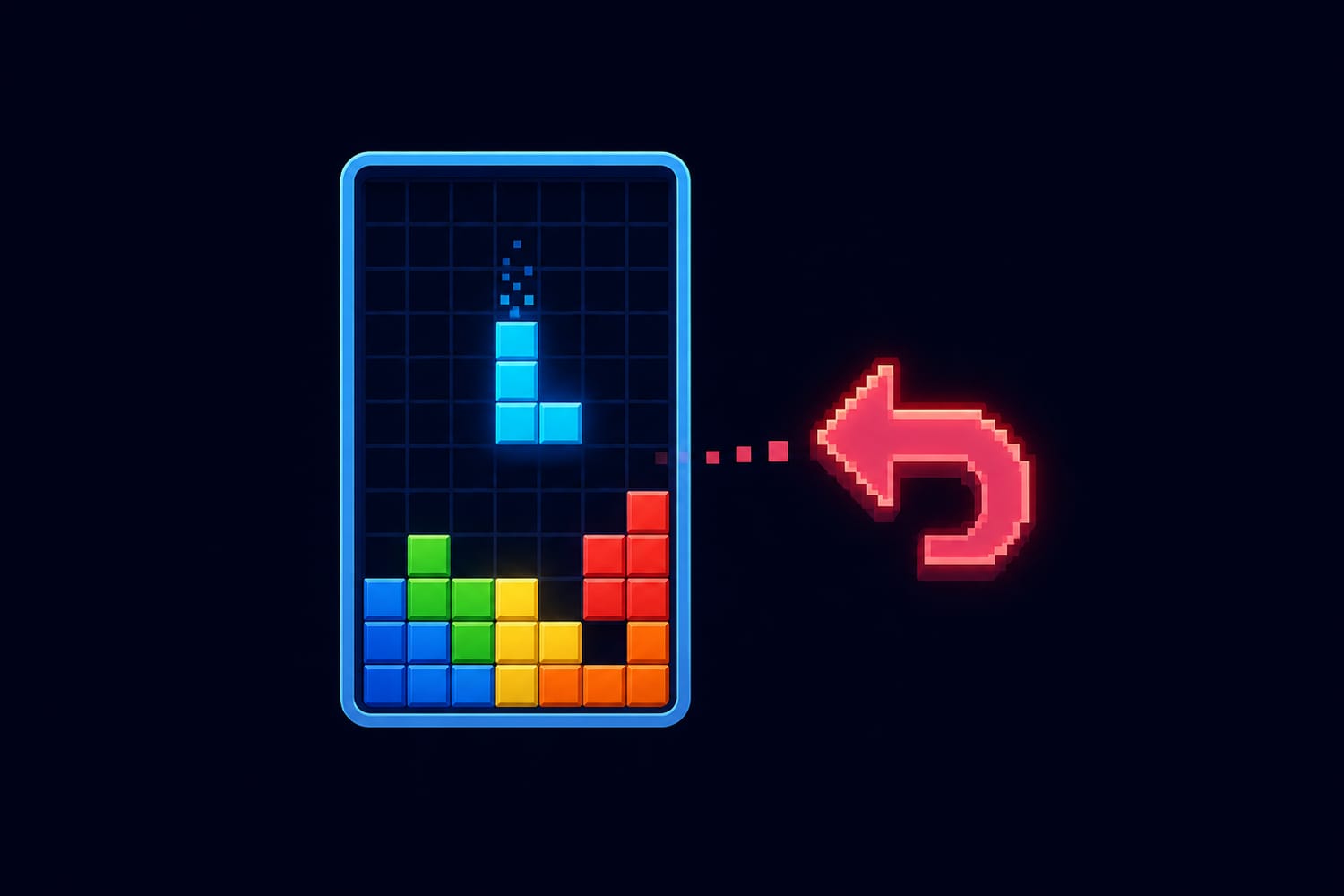
That little curved arrow may be one of the least dramatic icons on a game screen, but it carries a surprisingly large design responsibility. It must rescue players from accidental taps, strategic mistakes, impossible positions, and misunderstood rules—without making careful thought feel unnecessary.
The best undo systems do not remove challenge. They move the challenge away from punishment and toward learning.
Why Puzzle Games Need Second Chances
Puzzle games often contain moves that cannot be naturally reversed. Push a crate into a corner in a block-pushing puzzle, and you may never be able to pull it out. Spend a limited key on the wrong door, and the remaining route may become impossible. Place a tile incorrectly, and several later moves may build upon that error.
Without an undo option, the player must restart and repeat every correct move that came before the mistake. That repetition rarely adds a new intellectual challenge. It mainly asks the player to remember and re-enter a sequence they have already understood.
Undo separates two very different kinds of difficulty:
- Solving difficulty: Working out which move is correct.
- Recovery difficulty: Repeating earlier moves after something goes wrong.
Most puzzle designers want the first kind. The second can be useful in games built around pressure, memory, or limited attempts, but it can also create frustration without adding meaningful depth.
This connects closely with the way an invisible tutorial teaches through experimentation. When trying an idea is safe, players can discover the rules through play rather than waiting for instructions.
Undo Changes the Meaning of Failure
In many action games, failure means losing a life, returning to a checkpoint, or replaying a section. In a thoughtful puzzle game, failure can function more like a scientific experiment.
The player forms a theory: “If I move this block first, I can reach the switch.” They test it. The route closes. They undo the move and try another theory.
The failed attempt still mattered because it produced information. The player now knows something about the puzzle’s structure that they did not know before. Undo allows that new knowledge to survive while removing the unwanted board state.
This is especially important in puzzles with complex chains of cause and effect. If one move changes several objects, opens a door, closes another path, and alters a rule, players need room to study what happened. Games such as Baba Is You can allow the player to break the rule that gives them control, creating an unsolvable position that must be undone or restarted. Its unusual rule-manipulation system works partly because players are allowed to test dangerous ideas.
The result is not a challenge-free game. It is a game that invites bold thinking.
The Main Types of Puzzle-Game Second Chances
Designers have several ways to let players recover. Each creates a different rhythm.
Single-step undo
The game reverses the most recent move. This is useful for simple errors, such as pushing one object in the wrong direction.Unlimited move history
Players can rewind all the way to the puzzle’s starting position. This supports deep experimentation in long, turn-based challenges.Checkpoint recovery
The game returns to a recent safe state rather than reversing individual actions. This works well when a puzzle includes continuous movement, platforming, or physics.Full reset
The puzzle immediately returns to its original layout. Reset remains useful even when undo exists because sometimes the player wants to abandon an entire approach.Limited undo tokens
The player receives only a certain number of reversals. This makes recovery a resource to manage, adding risk without making every mistake final.Automatic protection
The game prevents clearly illegal moves, warns about irreversible choices, or restores the board when no valid move remains.
These systems can also be combined. A game might offer unlimited undo during ordinary play but count moves for optional medals. Another might provide a quick restart alongside a short rewind. The right design depends on what the puzzle is trying to test.
Why Unlimited Undo Does Not Mean Unlimited Ease
It is tempting to assume that an unlimited undo button makes every puzzle easier. More precisely, it makes experimentation less expensive.
The player must still identify the goal, understand the rules, recognize patterns, plan a sequence, and discover the critical insight. Undo does not tell them which move to make next. It only confirms that the previous move was not useful.
Imagine a maze with 100 possible routes. Being allowed to step backward does not reveal the exit. It simply prevents every wrong turn from sending you back to the entrance.
A strong puzzle remains demanding because its difficulty lives in the relationships between its parts. This is also why good puzzle playtesting focuses on fairness rather than simple ease. Designers watch whether mistakes help players understand the problem or merely force them to repeat old work.
When Rewinding Becomes the Puzzle
Some games go further and turn second chances into a central mechanic.
In Braid, unlimited rewind is not merely protection from mistakes. Its puzzles are designed around the different ways objects and events react to reversed time. The player may need to perform an action, rewind part of the sequence, and use the resulting timeline to reach something that ordinary movement cannot access. Designer Jonathan Blow developed the puzzles around rewind rather than treating it only as a safety feature.
This is an important distinction:
- Undo as convenience restores an earlier state.
- Undo as information helps the player understand consequences.
- Undo as mechanic becomes part of the solution itself.
Time-reversal games can ask unusual questions. What remains changed after time moves backward? Can one object resist the rewind? Can the player use knowledge from a future that technically no longer happened?
At that point, the second chance is no longer outside the puzzle. It is the puzzle.
The Hidden Technical Challenge
Undo can look simple to the player while being complicated behind the screen. A game must remember enough information to reconstruct an earlier state accurately.
For a basic grid puzzle, a move record might contain:
- The player’s previous position.
- The object that moved.
- Its original position.
- Any switches or doors that changed.
- Resources gained or spent.
- Animations or sound states that must be restored.
One common programming approach is to represent each player action as a command. The game executes the command to make the move and stores the earlier values needed to reverse it. Multiple commands can be kept in a history, allowing the player to travel backward through previous actions. The Command pattern explanation from Game Programming Patterns demonstrates how this structure can support undo and redo.
Other games save snapshots of the entire puzzle state. That may be simpler for small boards but more demanding when a game contains many moving objects, physics calculations, or random events. Whatever method is used, the rewind must be reliable. An undo button that restores only most of the previous state can create confusing bugs and destroy trust in the rules.
Second Chances Are Also an Accessibility Feature
An unintended move does not always come from faulty reasoning. A player may tap the wrong square, double-press a button, misread a small icon, experience hand tremors, or need more time to understand a changing board.
Undo helps separate the puzzle’s intended mental challenge from barriers caused by input precision. The Accessible Player Experiences framework describes undo and redo as ways for players to revise errors, including mistakes related to physical imprecision or cognitive accessibility. Its undo and redo accessibility guidance also highlights how backtracking can support experimentation without forcing a complete restart.
A good recovery system should therefore be easy to find and activate. Helpful details include:
- A large, recognizable button.
- A clear keyboard or controller shortcut.
- Immediate visual feedback.
- Protection against accidentally resetting the whole puzzle.
- The ability to undo more than one move.
- Consistent behavior across every level.
These features welcome more players without changing the underlying solution.
When Removing Undo Can Be the Right Choice
Not every puzzle needs unrestricted second chances. If a game is specifically testing memory, speed, resource management, or decision-making under pressure, unlimited undo may work against its purpose.
A timed tile game may ask the player to commit quickly. A detective story may treat choices as permanent because consequences are central to the narrative. A competitive puzzle may restrict undo so every participant plays under the same conditions.
However, removing undo works best when the decision is deliberate rather than traditional. Designers should ask:
- Is recovery itself part of the challenge?
- Does restarting teach anything new?
- How much progress can one mistake erase?
- Can accidental input be distinguished from a strategic decision?
- Will players understand when a choice is permanent?
Even a “no takebacks” game can soften unnecessary frustration with confirmations, short checkpoints, practice modes, or optional difficulty settings.
The Player’s Side of the Undo Button
Players can also use undo more thoughtfully. Rapidly trying every possible move may eventually produce progress, but it can hide the reason a solution works.
A stronger approach is:
- Pause before making a risky move.
- Predict exactly what will change.
- Make the move and observe the result.
- Undo it if necessary.
- Explain what the attempt taught you.
- Build the next attempt from that information.
This turns the move history into a notebook of experiments. It can also help preserve the satisfying “aha!” feeling associated with puzzle flow, because the final answer still comes from understanding rather than chance.
A Promise That It Is Safe to Think
The undo button quietly tells the player, “You are allowed to be wrong here.”
That promise encourages curiosity. It lets beginners learn controls, experienced solvers test daring plans, and players with different needs recover from unintended input. Most importantly, it protects the true heart of a puzzle: the process of forming ideas, testing them, learning from them, and finally seeing the solution clearly.
A second chance does not make success meaningless. When carefully designed, it removes wasted repetition while preserving every important question. The player still has to find the answer—but they are free to think bravely on the way there.

