
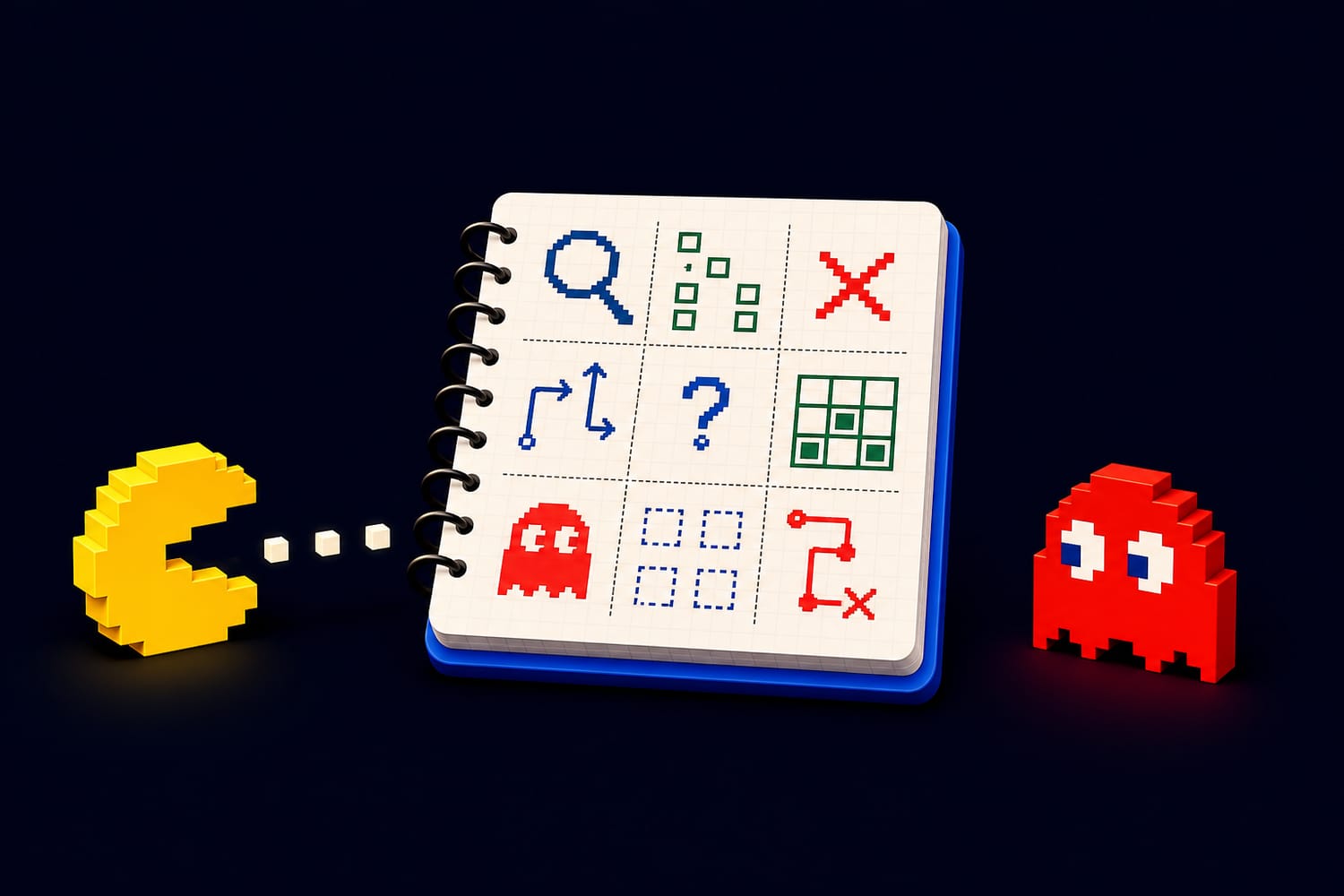
The Puzzle Solver’s Scratchpad: How to Track Clues, Candidates, and Dead Ends Without Getting Lost
Why Every Puzzle Solver Needs a Scratchpad
Whether you are solving a crossword, logic grid, Sudoku, word puzzle, escape-room riddle, or a tricky puzzle game on Puzzles Arcade, one thing becomes clear very quickly: your brain is powerful, but your memory has limits.
A puzzle often gives you more information than you can comfortably hold at once. You might know that the red key cannot open the basement door, that “blue” is probably connected to “water,” that 7 cannot go in the top-left Sudoku square, or that a character named Mia must have arrived before Sam. Individually, these clues are simple. Together, they can become a tangled knot.
That is where a scratchpad comes in.
A puzzle solver’s scratchpad is not just a place to scribble random thoughts. Used well, it becomes a map of your thinking. It helps you track confirmed clues, possible candidates, guesses, contradictions, and dead ends. It lets you explore without losing your place. Most importantly, it keeps a hard puzzle from feeling chaotic.
You do not need fancy tools. Paper works. A notes app works. A spreadsheet works. Some puzzle games include built-in note systems. The best scratchpad is the one you will actually use.
Separate Facts, Guesses, and Questions
The biggest scratchpad mistake is mixing everything together. A confirmed fact, a possible idea, and a wild guess should not look the same. If they do, you may accidentally treat a guess as truth, which can send your entire solve in the wrong direction.
A good scratchpad separates information into three basic types:
Facts are things the puzzle has directly told you or things you have logically proven. For example:
- The green door requires a square token.
- Anna is not the baker.
- The number 5 must be in the middle row.
- The word has six letters and starts with C.
Candidates are possibilities that still need testing. For example:
- The square token might be in the library or garden.
- The answer could be “castle,” “candle,” or “circle.”
- Box A could contain red, yellow, or blue.
Questions are unresolved problems you need to revisit. For example:
- What does the moon symbol mean?
- Why is the clock stuck at 3:15?
- Which clue eliminates Noah from Tuesday?
One simple system is to label your notes clearly:
- F: confirmed fact
- C: candidate or possibility
- Q: question to investigate
- X: eliminated option
For example:
- F: The silver key opens a door on the second floor.
- C: Silver key may open the balcony door.
- X: Silver key does not open the cellar.
- Q: Is there another second-floor door hidden somewhere?
This may seem slow at first, but it saves time later. When you return to your notes after several minutes—or even the next day—you will know exactly what is proven and what is only possible.
Use Symbols to Think Faster
A scratchpad should be easy to read at a glance. Symbols help you compress information without losing meaning. Puzzle solvers often create their own shorthand, but you can start with a simple set:
- ✓ = confirmed
- ? = uncertain
- X = impossible or eliminated
- → = leads to
- ≠ = not equal to / cannot be
- = = matches or is the same as
- * = important
- ! = surprising or likely useful
For example, in a logic puzzle, instead of writing “Lena cannot be the person who owns the cat,” you could write:
Lena ≠ cat
In a word puzzle, you might write:
_ A _ E _ → maybe “raven,” “caper,” “later”
In an adventure puzzle, you might write:
Clock 3:15 → check painting?
The goal is not to make your notes look impressive. The goal is to reduce mental clutter. Short notes are easier to scan, and scanning is important when you are comparing clues.
Just be careful: your symbols only help if you remember what they mean. If you invent too many, your scratchpad becomes another puzzle. Keep your shorthand simple and consistent.
Track Candidates Without Drowning in Possibilities
Many puzzles involve candidates: possible numbers, words, routes, suspects, colors, or item combinations. Tracking candidates is useful because it lets you narrow the field logically instead of guessing blindly.
For grid-based puzzles like Sudoku or logic grids, candidates are especially important. If a square could be 2, 5, or 8, write those possibilities lightly or in a small list. When a new clue eliminates one, cross it out. If only one candidate remains, you have found an answer.
For word puzzles, candidates can be tracked by pattern. Suppose you know the answer is a five-letter word:
Pattern: _ R A _ E
Candidates might include:
- brave
- crane
- frame
- grape
If another clue says the word relates to a bird, “crane” becomes much stronger. If a clue says the word has no C, you eliminate it.
For object or escape-room puzzles, candidates might be combinations:
- Key + chest?
- Gem + statue?
- Candle + dark room?
- Code 315 + safe?
Instead of trying every idea randomly, write down combinations you have tested and whether they worked. This prevents the classic problem of repeating the same failed action again and again because you forgot you already tried it.
Make Dead Ends Useful
A dead end can feel frustrating, but it is not failure. In a well-designed puzzle, a dead end often teaches you something. It tells you what not to do, which is valuable information.
The key is to record dead ends clearly.
Instead of writing:
Tried door. Didn’t work.
Write:
X: Red key does not open attic door. Message: “wrong shape.”
That extra detail matters. “Wrong shape” may suggest the solution depends on matching key shape rather than color. A failed attempt can become a clue if you capture the reason it failed.
In logic puzzles, dead ends often happen when an assumption creates a contradiction. For example:
- Assume Ben is the chef.
- Then Carla must be the driver.
- But clue 4 says Carla cannot drive.
- Therefore, Ben is not the chef.
This is called proof by contradiction, and it is a valid logical technique. Your scratchpad can help you use it safely. Create a temporary section called “Test Assumption” and write the chain of reasoning underneath it. If the assumption fails, mark it with an X and return to your last confirmed facts.
A clean dead-end note might look like this:
Test: Ben = chef
→ Carla = driver
→ Contradicts clue 4
Conclusion: Ben ≠ chef
Now the dead end has become progress.
Create a “Known World” Section
As puzzles grow more complex, your notes can spread out. You may have clues in one corner, guesses in another, and crossed-out ideas everywhere. To stay organized, create a “Known World” section: a clean summary of everything that is definitely true.
This section should only contain confirmed information. No maybes. No guesses. No “probably.”
For example:
Known World
- The code is four digits.
- The first digit is odd.
- The blue switch controls the left elevator.
- Mara arrived before Jae.
- The triangle symbol means “fire.”
- Room 2 contains the locked cabinet.
Update this section whenever you prove something new. Think of it as your puzzle checkpoint. If your scratchpad gets messy, the Known World section keeps you grounded.
This is especially helpful if you take breaks. Many puzzle games and brain teasers are easier after stepping away for a while, but only if you can return without having to rebuild your entire understanding from memory.
Use Tables for Relationship Puzzles
Some puzzles are all about relationships: who owns what, which item belongs where, which event happened first, or which symbol matches which number. For these, tables are your best friend.
Imagine a puzzle with three people—Ava, Ben, and Chloe—and three pets—cat, dog, and bird. You can create a table like this:
| Person | Cat | Dog | Bird | |---|---:|---:|---:| | Ava | ? | ? | ? | | Ben | ? | ? | ? | | Chloe | ? | ? | ? |
As clues appear, fill in X marks for impossibilities and checkmarks for confirmations.
If a clue says “Ben does not own the dog,” mark:
| Person | Cat | Dog | Bird | |---|---:|---:|---:| | Ava | ? | ? | ? | | Ben | ? | X | ? | | Chloe | ? | ? | ? |
If you later prove Chloe owns the bird, mark Chloe/Bird with ✓ and eliminate bird from the others.
Tables are powerful because they show gaps. You do not have to remember every relationship; you can see them. This works for classic logic-grid puzzles, scheduling puzzles, matching puzzles, and even some mystery games.
Color-Code Carefully
Color can make a scratchpad more readable, especially for visual thinkers. You might use:
- Green for confirmed facts
- Yellow for candidates
- Red for eliminated options
- Blue for questions or clues to revisit
However, color should support your system, not replace it. If your notes only make sense because of color, they may become confusing when copied, printed, or viewed on a different screen. Use symbols or labels too.
For example:
- ✓ Green door = garden entrance
- X Red gem ≠ statue
- ? Blue symbol = water or sky
This way, even without color, the meaning remains clear.
Know When to Rewrite Your Scratchpad
Messy notes are normal. In fact, a scratchpad is allowed to be messy. It is a workspace, not a final report. But sometimes the mess starts slowing you down. If you spend more time searching your notes than solving the puzzle, it is time to rewrite.
A rewrite is not wasted effort. It often reveals patterns you missed.
When rewriting, do not copy everything. Sort your notes into categories:
- Confirmed facts
- Open questions
- Remaining candidates
- Failed attempts
- Important clues not yet used
This process forces you to review the puzzle from a higher level. You may notice that one clue has not been applied yet, or that two candidates are actually the same idea in different forms.
Many solvers experience breakthroughs right after organizing their notes. The act of cleaning up your scratchpad can clean up your thinking too.
Avoid the Guessing Trap
Guessing can be part of puzzle solving, especially when testing possibilities. But uncontrolled guessing creates confusion. If you guess without tracking it, you may forget where the guess began and accidentally build a tower of logic on an unstable base.
When you need to guess, label it clearly:
Assumption A: The code starts with 7
Then write everything that follows under that assumption. If it works, great—but still check that it fits all clues. If it fails, cross out the whole branch.
For digital notes, indentation is useful:
- Assume code starts with 7
- Then second digit cannot be 4
- Pattern may be 7 _ 2 _
- But clue says first and third digits differ by 1
- Contradiction: 7 and 2 differ by 5
- Therefore first digit ≠ 7
This keeps your reasoning traceable. You can explore boldly without getting lost.
Build a Scratchpad Habit
The best puzzle solvers are not necessarily people who can remember everything. They are people who know how to manage information. A scratchpad turns scattered clues into structure. It gives your ideas a place to land and your logic a path to follow.
Start small. On your next puzzle, write down only three things:
- What you know
- What you suspect
- What you have ruled out
That alone can make a big difference. As puzzles become more complex, add tables, symbols, candidate lists, and dead-end notes.
A good scratchpad does not solve the puzzle for you. It helps you see the puzzle clearly enough to solve it yourself. And that is one of the most satisfying feelings in puzzling: the moment when the clutter becomes a pattern, the pattern becomes a path, and the path leads to the answer.

